
Year 4 · KS2 lower · Maths · For parents
Year 4 times tables MTC practice prompts
50 ready-made prompts you paste into ChatGPT, Claude or Gemini. Built for parents preparing a child for the Year 4 Multiplication Tables Check. UK National Curriculum aligned.
- Tested on ChatGPT, Claude and Gemini
- 50 prompts across 10 prompt types
- MTC mock test mode included
- Linked to TMKEd worksheets for follow-up practice
The 6 minutes a day that fix your child’s times tables
The Multiplication Tables Check arrives in June of Year 4. By then your child needs every fact from 2 × 2 to 12 × 12 inside six seconds. Most parents try flashcards, worksheets or one of those apps. They help a bit. They also lose the room after week two.
This pack does it a different way. You paste a prompt into ChatGPT, Claude or Gemini, and the AI runs a personalised maths session with your child for ten minutes. It quizzes them, marks them, spots the facts they got wrong, names the misconception, and tells you which TMKEd worksheet will reinforce the gap.
You stay in the room. The AI does the heavy lifting. Your child gets a different practice session every day for two months.
Here’s one of the 50 prompts inside
This is the full MTC mock test prompt, exactly as it appears in the pack. Copy it. Paste it into ChatGPT, Claude or Gemini. Hand the screen to your child.
Y4 M N–MD3 · Recall multiplication and division facts to 12 × 12 · MTC format
Prompt 17 of 50 — MTC mock test (25 questions, 6-second window)
Run a full Multiplication Tables Check mock test for [Tom].
Twenty-five questions, all from the 2 to 12 times tables.

Tell [Tom] the rules at the start: one number, six seconds, type the
answer, move on.

You cannot enforce the six-second timer directly, so add this rule: if
[Tom] takes more than two reply lines to answer, mark it wrong.

Ask one question at a time. Wait for [Tom] to type something between
every question.

At the end:
  - Give the score out of 25.
  - Say where that sits against the typical MTC pass mark (20 or above).
  - List the slowest five facts, grouped by which table they came from.
  - Pick the single weakest sub-skill and write it on the last line as:
      Gap: <one short phrase>
What to expect: 25 MTC-format questions, scored out of 25, with the slowest five facts called out and the weakest sub-skill named on the last line.
Easier: drop to fifteen questions. Harder: after the test, ask the LLM to redo the five slowest facts immediately.
Replace [Tom] with your child’s name. Every prompt in the pack uses the same placeholder.
What’s in the full pack
50 prompts, written for the Year 4 maths programme of study. Each prompt is tagged by type so you grab the right one in seconds.
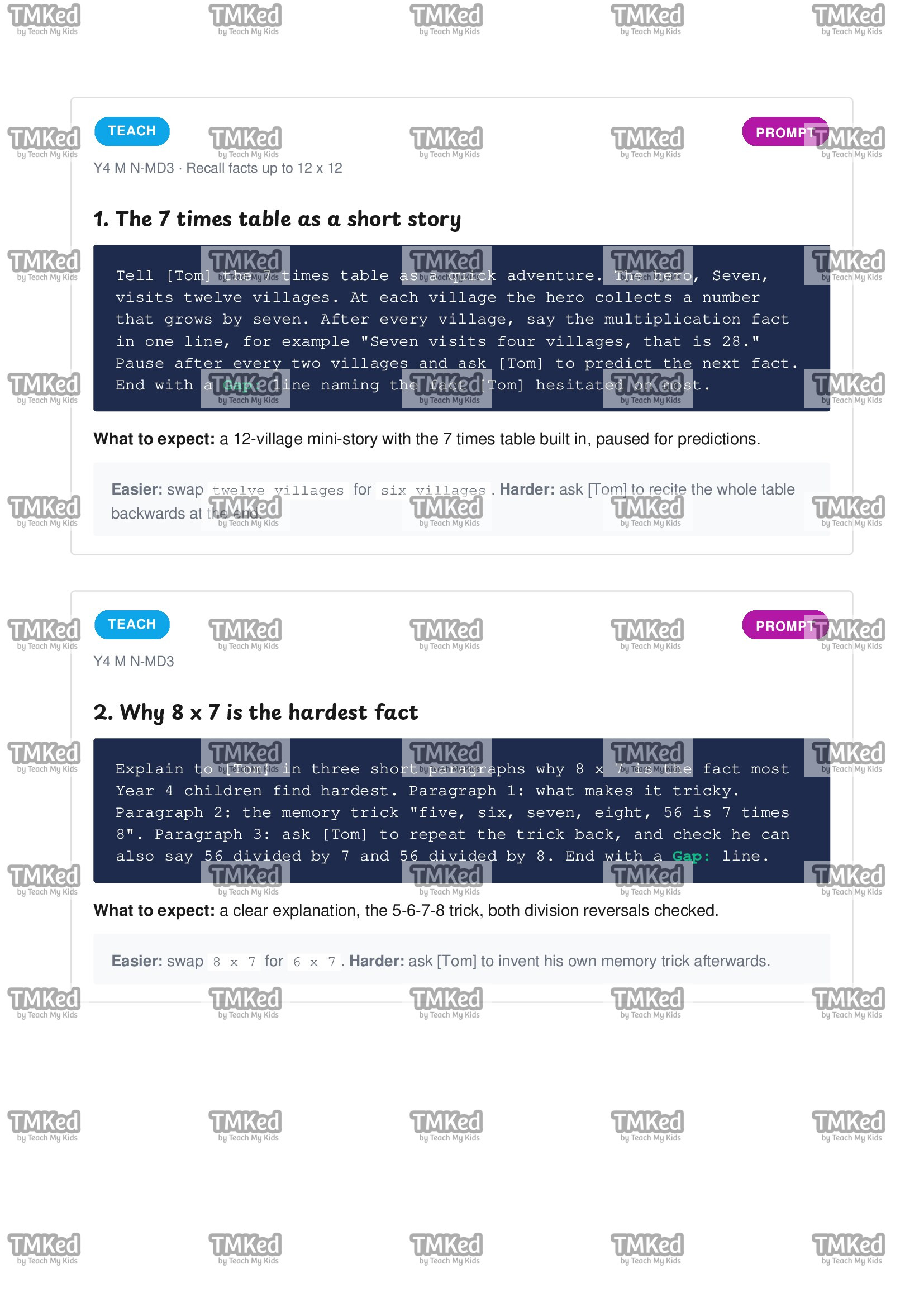
6 prompts. The AI introduces a table or concept using a story, an analogy or a memory trick. For the first time your child meets a tricky fact.
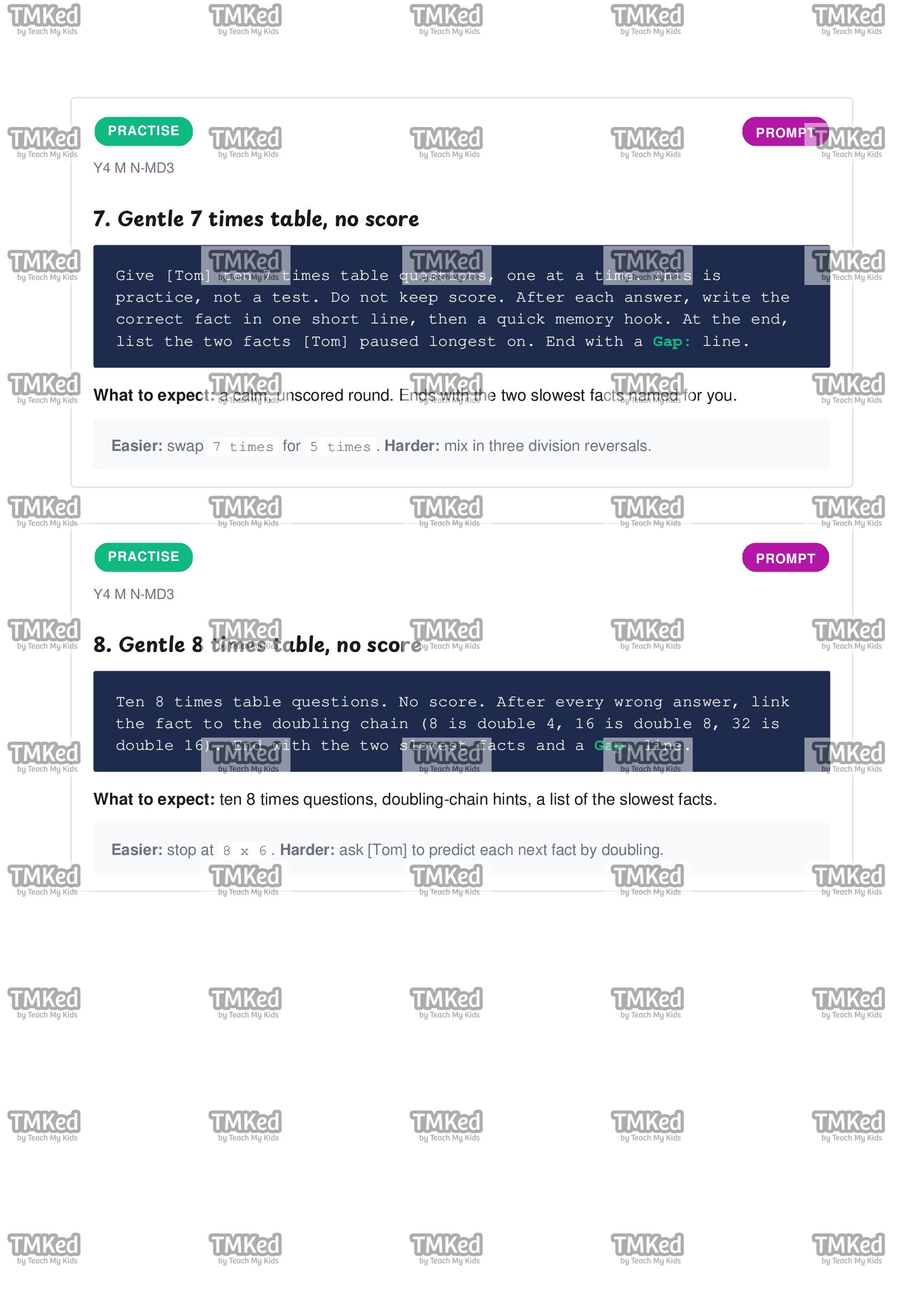
10 prompts. Calm, untimed, low-stakes repetition. The AI corrects gently and builds the habit. Most-used type in the pack.
6 prompts. Scored, MTC-paced quizzes. Includes a full 25-question MTC mock and shorter speed ladders.
6 prompts. Real-world word problems set in baking, football, birthday parties, train timetables.
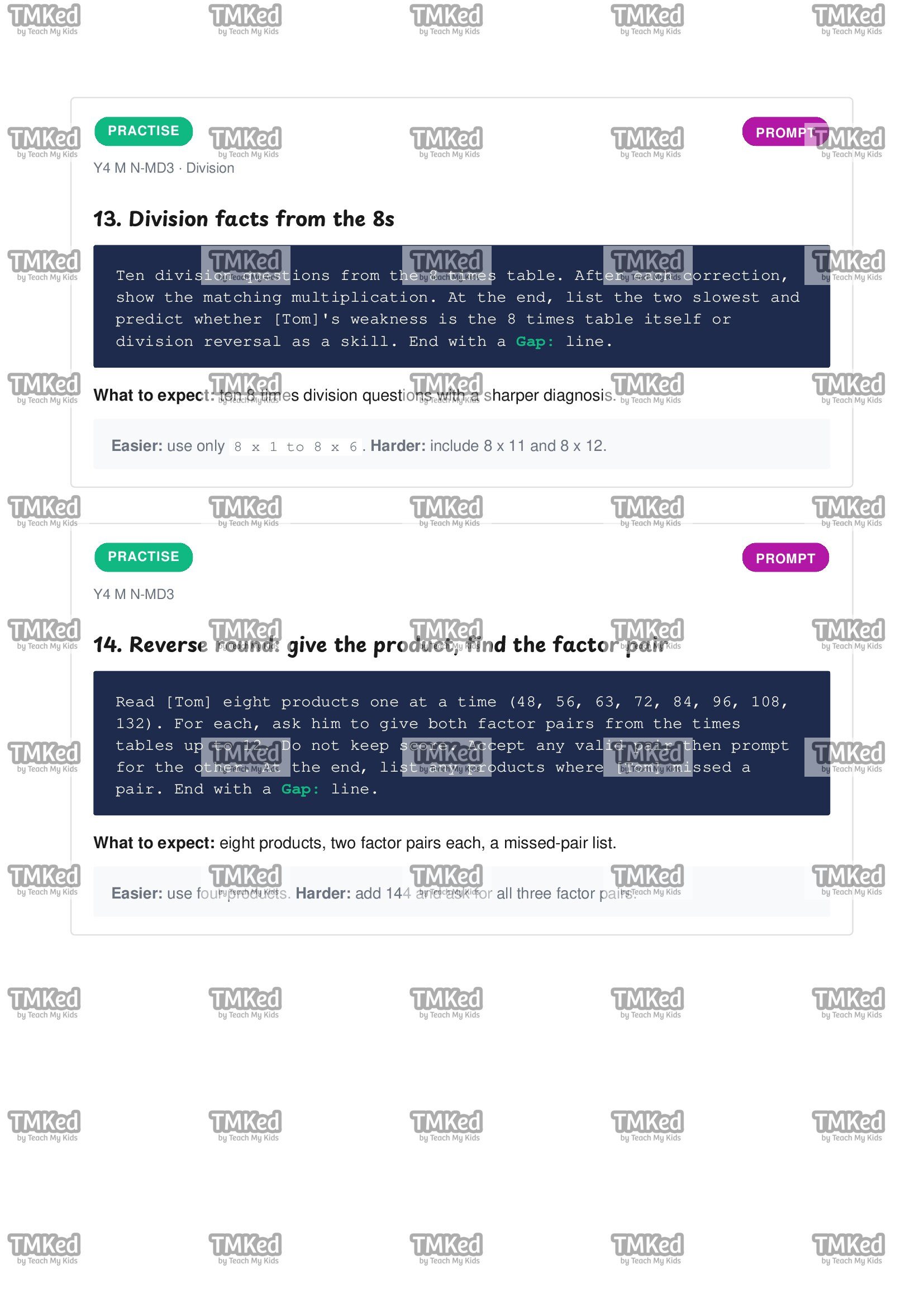
4 prompts. The AI works out exactly why your child is getting a fact wrong, in three to five short diagnostic questions.
4 prompts. Encouragement, growth mindset, pre-MTC pep talks. Honest, never fake-positive.
4 prompts. Above-year-band challenges for confident learners. Factor pairs, square numbers, Year 5 preview questions.
4 prompts. Micro-step support for struggling learners. The AI walks through one fact per turn with visible tally marks.
3 prompts. Your child teaches the AI. The AI asks clever follow-up questions that expose any gap in their mental model.
3 prompts. For you, the parent. The AI explains the topic to you, including the three misconceptions to listen for and what to say when your child says “I’m rubbish at maths”.
How it works
- Open the PDF. Skim the curriculum map on page 4 and pick a prompt that matches what you want to practise today.
- Open ChatGPT, Claude or Gemini. Paste the system prompt from the pack once (it’s on page 3). The AI now knows it is a UK Year 4 maths tutor.
- Paste your chosen prompt. Replace the placeholder name. Hand the screen to your child.
- Read the
Gap:line at the end. Then flip to the worksheet recommendations to close the gap with a printable.
Total parent setup time per session: ~90 seconds. The session itself runs 8–12 minutes. Aim for one prompt a day, six days a week, for two months before the MTC.
What you’ll see in your child after two months
- Faster recall. The 6 × 7, 7 × 8, 8 × 9 cluster (the three facts that most children miss in the MTC) move from 8-second answers to 3-second answers.
- Two-way division fluency. 56 ÷ 7 stops being “a different question” and starts being the same fact from the other direction.
- Real MTC pace. The mock test scaffolds the six-second pressure so the real test feels familiar, not strange.
- Confidence in what they don’t know yet. The
Gap:line teaches your child to name the specific fact that’s slowing them down, instead of saying “I’m bad at maths”.
Every session ends with a worksheet recommendation
Every prompt in the pack ends with a Gap: line where the AI names the weakest sub-skill from that session. The pack then maps each gap to the right printable TMKEd worksheet for follow-up practice off the screen.
| If the gap was… | Print this worksheet | Why it helps |
|---|---|---|
| “7 × 6”, “7 × 8”, “any 7s fact” | Times tables speed test | 60-second drill on a single table, mirrors MTC pace |
| Anything in the 8 times table | Multiplication grids — full 12 × 12 | visual layout shows the fact in context of its neighbours |
| “Division facts for 7” or “division for 8” | Multiplication and division partners | rebuilds the fact family in both directions |
| “Recall under time pressure” | Blank times tables square | fill-in-the-grid practice that builds raw speed off-screen |
| “Short multiplication” | Short multiplication ThHTU × U | formal written method practice for Year 4 stretch |
All worksheets shown above are available separately on tmked.com.
Common questions
Which AI does this work on?
Every prompt is tested on ChatGPT, Claude and Gemini. The free tier of each works fine for these sessions. You don’t need a paid plan, though paid plans cope better if you run several prompts in a row.
My child doesn’t have an AI account. Can they still use this?
Yes. You stay logged in to ChatGPT, Claude or Gemini on your own account. You paste the prompt. You hand the screen to your child. The session runs in your conversation, on your account.
Is this safe for children?
Every prompt is written so the AI never asks for the child’s surname, school, address or any personal data. The system prompt locks the AI into Year 4 maths and blocks off-topic drift. You sit in the room while it runs.
How does it differ from your existing worksheets?
The worksheets give your child fixed practice on a fixed page. This pack gives your child unlimited adaptive practice on whichever fact they’re weakest on today. The two work best together: AI for diagnosis and pace, worksheets for paper-based reinforcement once the gap is named.
When should we start using it?
Ideally two months before the MTC (so April for a June check). It works any time of year though, Year 4 children benefit from times-table fluency in every subsequent maths topic.
£4.99 once. Use every day until the MTC.
50 prompts. Six prompt types. UK curriculum aligned. Worksheet upsell built in. Tested on every major AI.
Instant PDF download. Watermarked to you. Works on phone, tablet, laptop or print.